
12/10/2026 20:59
SMMVR Support Tickets: Get a Clearer Review with the Right Information
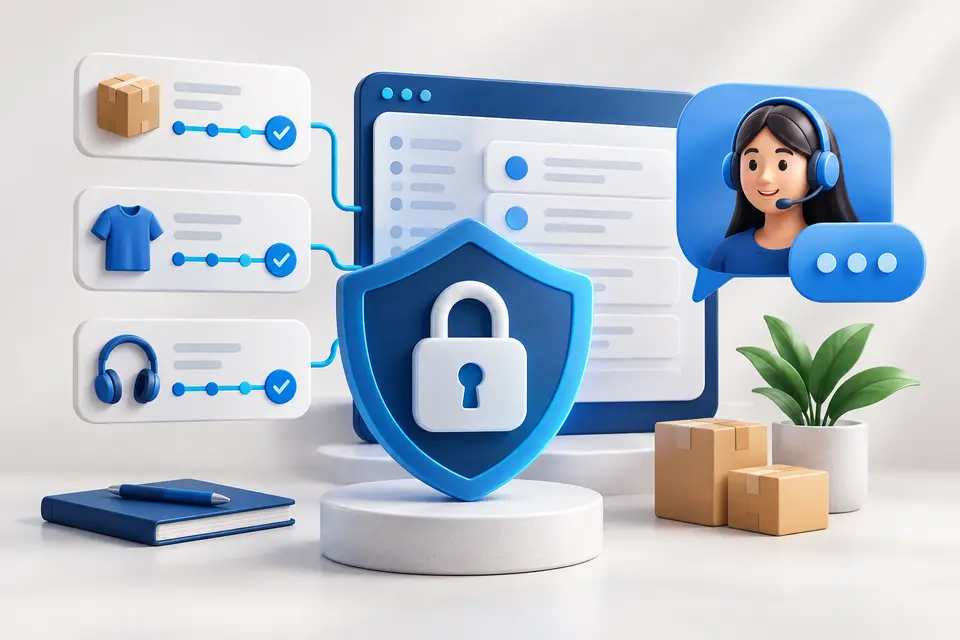
A support ticket is most useful when it contains the facts needed to locate and understand an issue. SMMVR keeps the conversation tied to your account, while order and payment references help explain what happened. This guide shows how to prepare a concise request without exposing passwords, keys or unnecessary personal information.
Reader note: Service availability, targeting and delivery depend on the individual listing. Review platform rules and the current Services catalogue before ordering. The illustrations are conceptual, not actual campaign results.
Choose the issue category
Decide whether the question concerns an order, payment, account access or a service requirement. Use the appropriate subject and state the issue in one clear sentence. A request such as please check order delivery is more useful when it includes the actual reference. Avoid mixing several unrelated purchases into one long message without identifying each record.
Include the relevant references
For an order, provide its ID, service ID and correct target link. For a payment question, use the transaction information requested by support rather than posting credentials. Explain the amount and approximate time, including a time zone when needed. Check your own history first so that you send the accepted reference rather than an abandoned form or an unrelated number.

Use screenshots thoughtfully
A screenshot can illustrate a visible error or status difference. Remove passwords, API keys, verification codes and unrelated private details before attaching it. Add a short explanation of what the image shows and when you captured it. A screenshot should support the written description, not force support to guess which row or warning matters.
Keep one conversation coherent
Follow the ticket thread and answer clarification requests with the same references. Do not place duplicate orders or repeated payments merely to see whether a problem disappears. Delivery and verification can depend on external services, so support may need to investigate before giving a resolution. A factual, respectful conversation makes the next action clearer for both sides.

Quick questions
Should I send passwords or API keys?
No. Never put account credentials or secret keys in a ticket or screenshot.
What makes an order ticket useful?
The accepted order ID, service ID, target, observation and relevant timestamp.
Continue your planning
Review available services · Read customer API documentation · Browse common questions. For account-specific help, sign in and open Tickets. Never include passwords or secret keys.