
19/10/2026 23:52
Lunch Finished, Story Still Selling? Telegram Story Expiry for Cambodian Food Shops
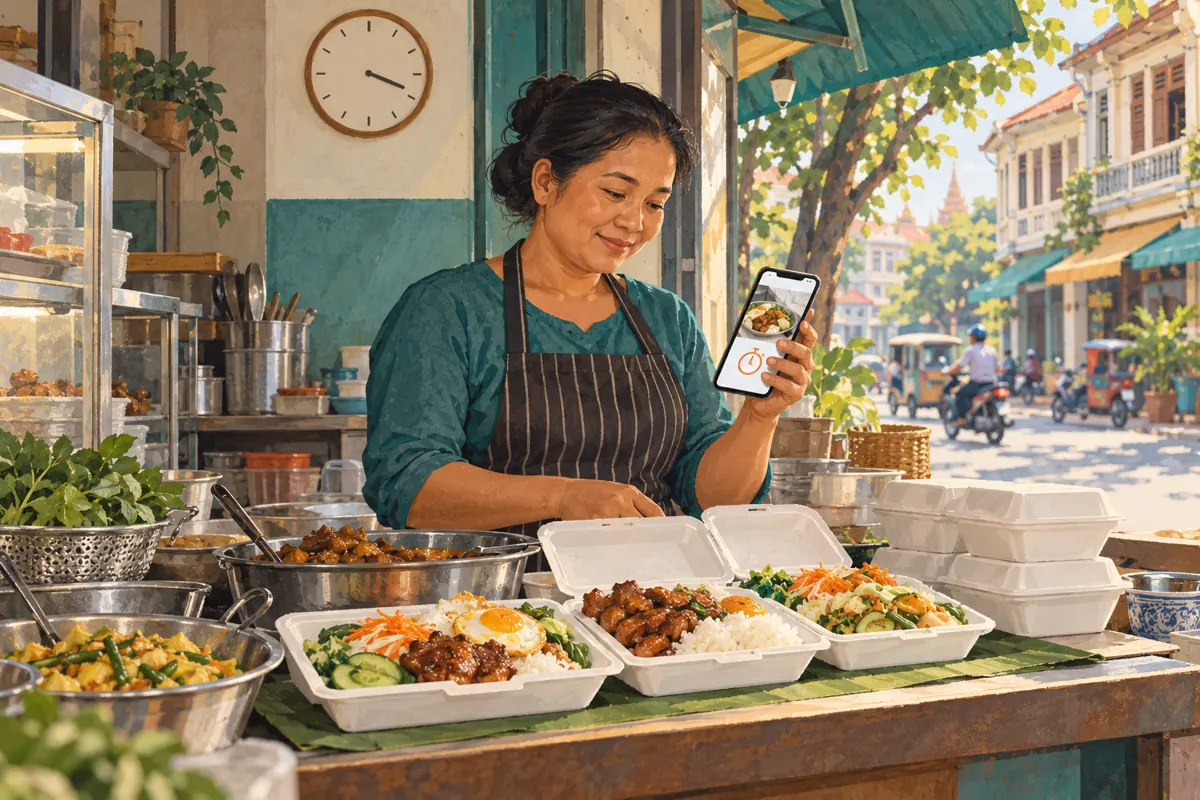
A lunch photograph can remain persuasive long after the kitchen stops taking orders. For a Cambodian food shop promoting a daily menu through Telegram, that creates a practical problem: someone sees an appetising meal, arranges pickup, and only then discovers that the offer has ended. Story expiry helps manage visibility, but it does not manage stock, reservations or customer expectations. This workflow connects the Story’s lifetime with the kitchen’s actual ordering window, explains what to check on the channel page afterward, and shows where SMM panel services fit into the decision. All shop scenarios and operating times below are hypothetical.
1. Separate the three times customers can confuse
Write down three times before preparing the promotion: when new orders close, when confirmed orders can be collected, and when the Story stops appearing as an active Story. These serve different purposes. A kitchen might stop accepting lunch orders while staff continue handing over meals already reserved. Meanwhile, the promotional photograph may still be visible. Calling all three periods “lunchtime” leaves customers to guess which action remains possible.
In a hypothetical Phnom Penh lunch shop, orders close at 11:00 and confirmed pickups continue until 12:30. The menu should communicate both boundaries. Add a stock condition if a dish can sell out before the deadline, but do not use “while stocks last” as a substitute for a clear closing time. Give one staff member responsibility for updating the promotion when availability changes. Choose someone who can hear from the kitchen and act during service, rather than an editor who finishes work after posting.
2. Confirm that the channel can actually publish Stories
Telegram’s channel Stories announcement explains that channels unlock Stories through boosts, and posting requires an administrator with the relevant rights and Telegram Premium. Its Premium FAQ also connects channel levels with Story allowances. Check the channel’s own controls and current allowance before designing a daily Story routine. Confirm which identity appears in the composer so that the lunch menu is posted as the intended business channel.
Treat this as an operational check rather than a reason to pursue a bigger member counter. Ask the person responsible for posting to prepare a draft and verify the available options. If the channel cannot publish a Story, a dated ordinary menu post can still communicate the offer. Give it the same ordering deadline and closing review. Avoid making today’s lunch promotion depend on unlocking a feature at the last moment; the kitchen needs a communication method the team can reliably use.
3. Make the menu understandable outside its original moment
Put the service date, dish name, confirmed price and currency, ordering deadline, and pickup arrangement into the content plan. Include delivery only when the shop has confirmed its area, availability and charges. Use the language customers normally order in; for a Khmer-speaking customer base, have a fluent staff member check the customer-facing wording. Keep essential details readable without covering the food with a dense block of copy.
A hypothetical English wording template is: “Lunch menu for 20 October. Chicken rice available for reservation until 11:00, unless sold out earlier. Confirmed pickups until 12:30. Message the shop with your dish, quantity and preferred pickup time; wait for confirmation.” Add the shop’s verified price before using it. A specific date makes an old image easier to recognise than “today’s special” alone. Photograph the actual offering, and identify optional extras so that a garnish, drink or side dish does not accidentally become part of the promise.
4. Choose an expiry option, then check the gap
Telegram’s Stories guide documents 6, 12, 24 and 48-hour lifetimes, with custom 6, 12 and 48-hour choices listed as Premium features. Use the timer options actually available in the posting interface. These are duration choices, so calculate the resulting end time before publishing. Do not assume that selecting a short lifetime makes the Story disappear precisely when lunch orders close.
Suppose the hypothetical shop posts at 08:00 and selects six hours. The Story remains active until 14:00, although new orders close at 11:00. That three-hour gap needs an explicit plan: update the offer when ordering ends or remove the active promotion. Put a reminder in the team’s existing work routine. The timer provides a later boundary if someone misses a check, but it cannot replace the earlier business deadline. If no available duration suits the offer, use clear dated copy and a manual closing action.
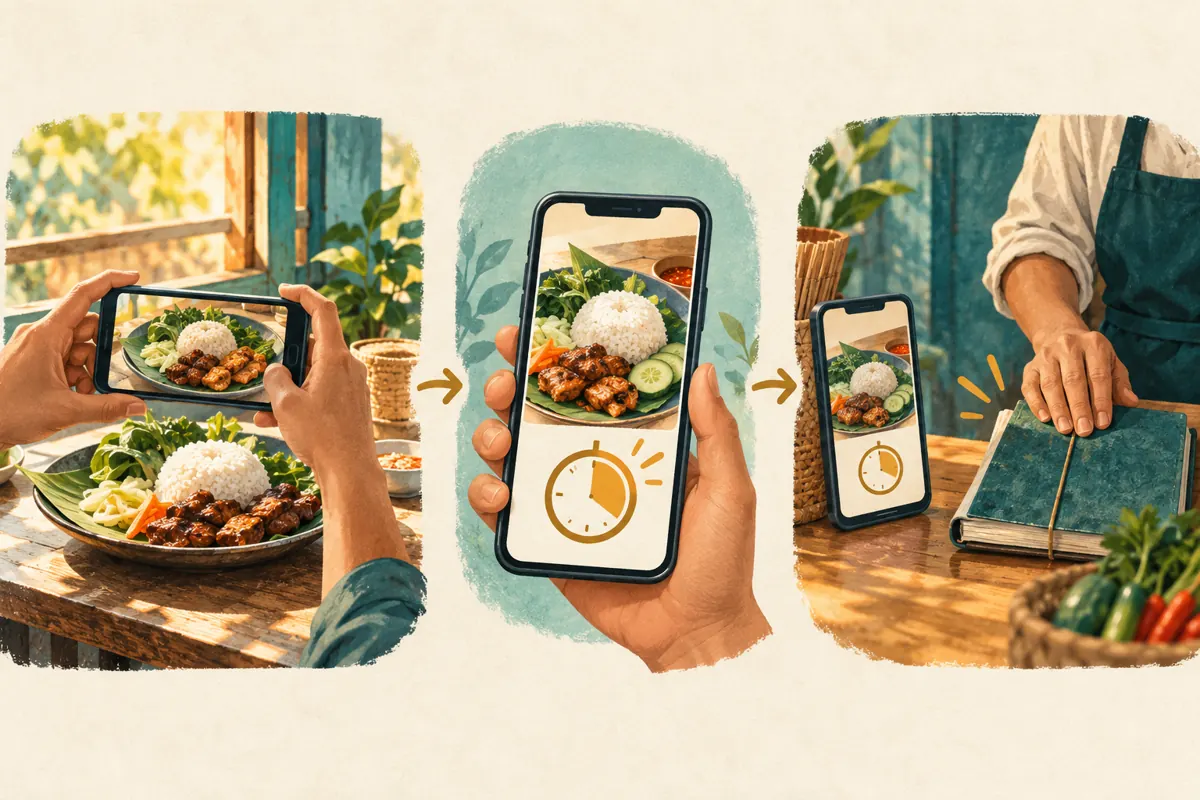
5. Decide whether the Story should remain on display
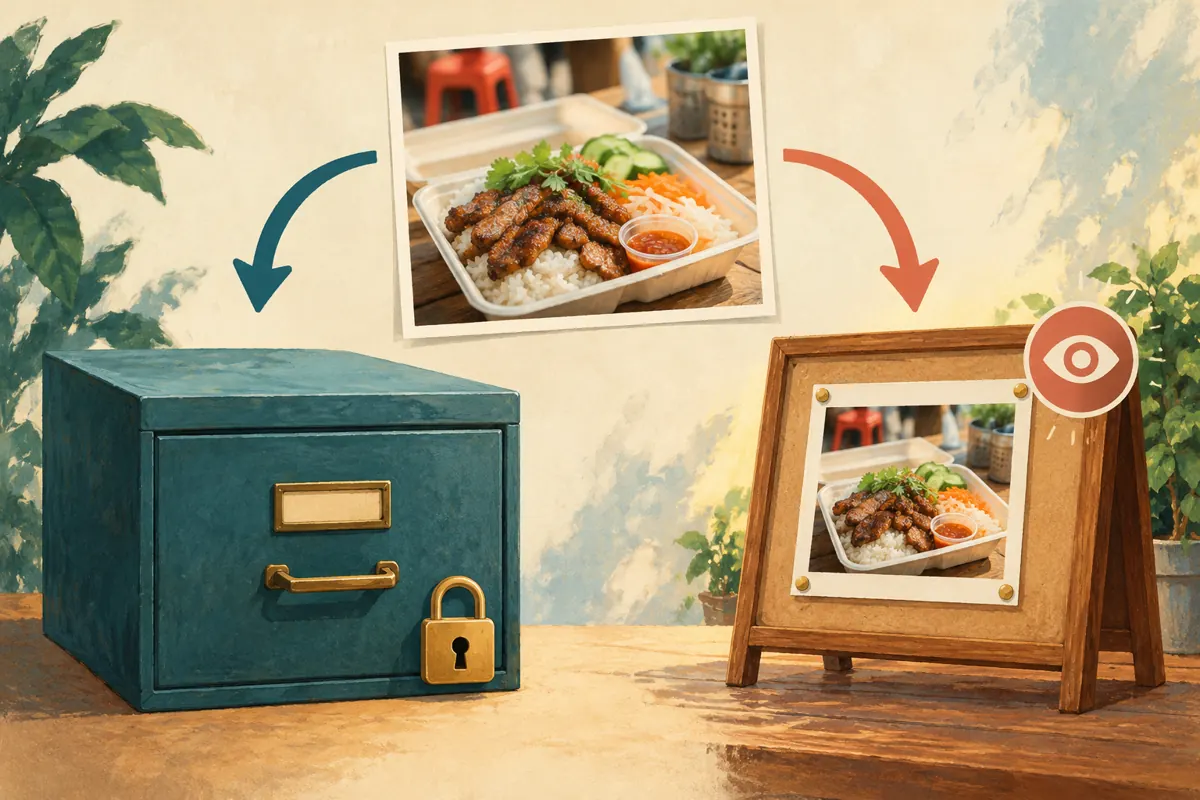
Expiry and public removal are separate questions. Telegram’s Stories documentation describes archiving after expiry, while its channel interface text distinguishes archived Stories from Stories posted to the channel page. Saved channel-page Stories remain viewable until an administrator removes them. Check the public display setting during preparation and inspect the channel page afterward. Do not assume that an expired active Story has disappeared from every customer-facing location.
For a daily menu, the simplest editorial rule is to avoid retaining the time-sensitive offer as a public display item. If the photograph deserves a longer life, prepare a separate portfolio version explaining that it illustrates a previous menu and that current availability must be checked. Keep the original privately for the team’s records if useful. This separates two legitimate purposes: showing what the kitchen makes and telling someone what they can order now. The distinction matters especially when dishes rotate.
6. Prepare the sold-out response before the rush
Agree on what happens when one dish sells out, all reservations close, or pickup arrangements change. Telegram’s Stories guide documents editing through the Story menu on the device used to post it. Have the responsible person verify that workflow ahead of service. Prepare concise replacement wording, such as “Chicken rice sold out for this service; existing confirmed pickups remain unchanged,” using the relevant date in the actual update.
If the image itself creates the wrong expectation, a small caption correction may be insufficient. Remove the misleading promotion or replace it with a clearly dated availability update. Do not announce a substitute until the kitchen confirms it. Customers already discussing an order need a direct reply; changing a Story does not settle their individual requests. Keep the response practical: explain what is unavailable, whether their reservation was confirmed, and what verified alternative exists. Avoid claiming “sold out” merely to manufacture urgency or make the promotion appear successful.
7. Give viewers a usable route to confirmation
A food image should lead to a manageable enquiry. Name the shop’s established ordering contact and specify the information staff need first: dish, quantity, intended pickup time, and delivery area if delivery is offered. Test that contact route from an ordinary customer’s perspective. Do not assume that every viewer knows which account belongs to the business or that a reaction to the Story is an order.
Create a short confirmation routine for the inbox. Staff check availability, repeat the agreed items and collection arrangement, and clearly state whether the order is accepted. If an enquiry arrives after the deadline, explain the current position before discussing another service day. Avoid silently treating a late request as tomorrow’s booking. The kitchen’s reservation record should remain the authority for fulfilment. Story views, reactions and casual messages can help identify questions, but they should never determine how many meals staff believe have been ordered.
8. Keep panel services separate from Story access
The supplied smmvr.com catalogue includes the exact label “Telegram - Premium members + Views ~ 3-7 days Premium Expiry ~ 1k/days ~ INSTANT”. Its accompanying description is empty. The title indicates an offer labelled around members and views; it does not document channel boost assignment, Story publishing rights, Cambodian audience origin or lunch-order intent. Treat the wording as a catalogue label, not verified evidence that it solves this workflow.
Telegram’s Premium FAQ says boost requirements depend on subscriber count. A member count and the boosts assigned to a channel are therefore distinct things to examine. Do not place a member-service order on the assumption that it unlocks Stories. If evaluating any panel offer, identify the documented deliverable and unresolved conditions first. Purchased engagement is not evidence of genuine interest, sales, advertising delivery or Cambodian users. For a short lunch window, fixing the deadline, contact route and closing procedure is more directly relevant than increasing a displayed counter.
9. Rehearse one complete service day
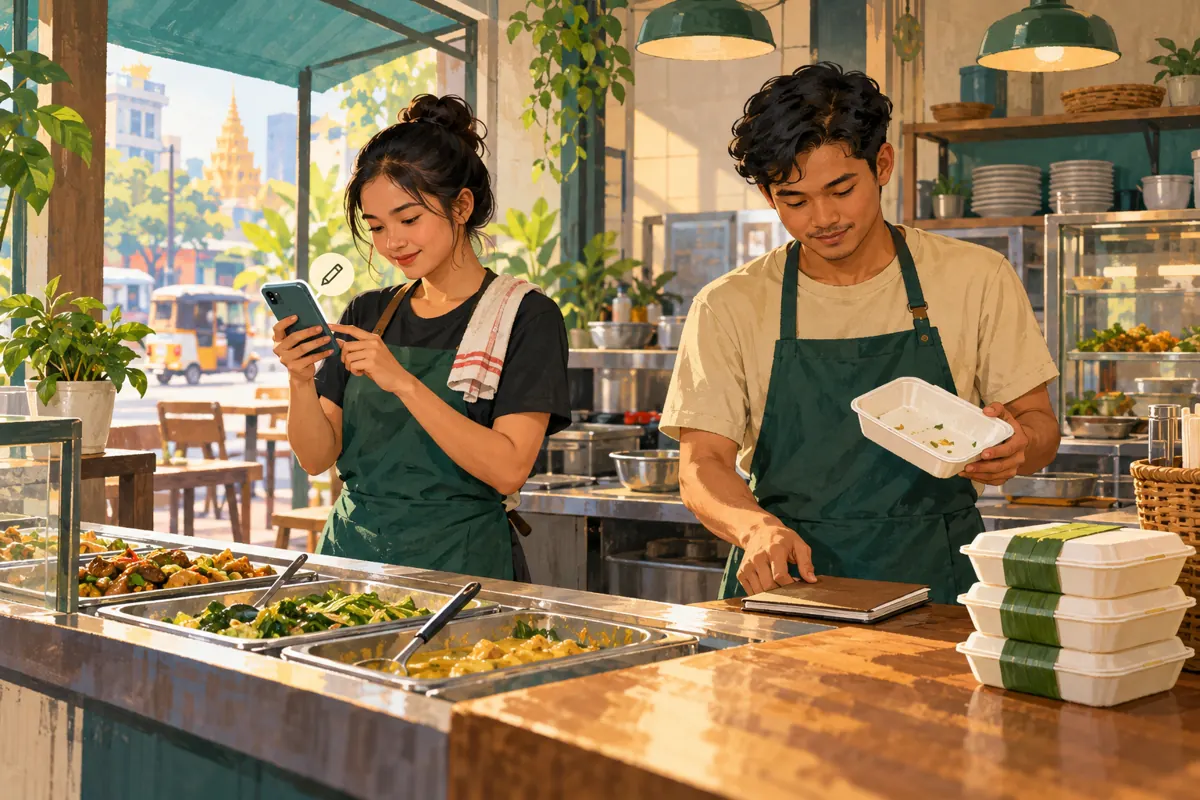
Run a hypothetical rehearsal with the person preparing food and the person managing messages. At 08:00, the dated menu goes live. Before the stated 11:00 ordering deadline, the kitchen reports availability. At 11:00, the assigned worker closes new orders in the promotional wording and checks for unresolved enquiries. Confirmed pickups continue until 12:30. These are planning examples, not recommended universal hours; choose times that match the shop’s actual preparation and handover capacity.
After service, inspect both the active Story and the channel page. Confirm that an old menu does not look like a current invitation to order. Review any separate menu post or other place where staff shared the offer. Record completion in a short internal note: promotion closed, outstanding customers answered, saved display checked. If the responsible worker leaves early, name the replacement. A reminder without a clear owner is easy to dismiss during a busy lunch service.
10. Review confusion and correct the routine
At the end of the week, review the actual questions customers asked. Did people confuse ordering with pickup? Did they arrive after seeing an old image? Did staff repeatedly explain which date the menu covered? Keep a brief log of the misunderstanding and the wording or process that could prevent it. Record confirmed orders separately, and only attribute an enquiry to a Story when the available evidence supports that conclusion.
Common mistakes include leaving “today” on a saved image, assuming a timer matches kitchen hours, promoting an unavailable dish, and expecting a closing update to resolve existing conversations. Correct the specific failure. Move the date into the visible artwork if people miss it in the caption; simplify the pickup instruction if it causes repeated questions. If service is too busy for reliable updates, reduce the number of promotional surfaces the team maintains. A smaller routine that staff complete consistently is a sound basis for the next campaign.
Frequently asked questions
Can I change the expiry time after publishing?
Telegram’s Stories guide says the expiry time cannot currently be edited; changing it requires deleting and reposting with another duration. Check the timer before publishing. If the immediate problem is a closed lunch offer, update or remove that promotion promptly instead of assuming its existing timer can be adjusted.
Does an expired Story disappear from the channel page?
Not necessarily. A Story retained on the channel page can remain publicly viewable after its active period. Telegram’s channel interface distinguishes that display from the archive. Inspect the page and remove outdated offers, or retain only a clearly dated portfolio version that does not suggest current availability.
Should a food shop buy Premium members to unlock channel Stories?
Do not assume that a member-service label includes assigned boosts or publishing access. Check the channel’s boost status and the administrator’s permissions through Telegram. The catalogue example supplied for this article has no supporting description establishing those deliverables, so it cannot substantiate a purchase for that purpose.
What if a customer saw the menu before it sold out?
Check whether the shop confirmed their order. Someone who only viewed the menu has not necessarily reserved a meal. Explain the current availability courteously and offer a verified alternative if one exists. Honour confirmed arrangements or resolve any fulfilment problem directly with the customer.
How can a small team tell whether this workflow helps?
Look for concrete operational changes: clearer enquiries, fewer questions about old menus, and completed closing checks. Keep notes on recurring misunderstandings and adjust one relevant part of the process. Views and reactions alone cannot establish that customers understood the deadline or that a promotion generated sales.
Explore the current service catalogue, create an account, or ask a specific question through support tickets.
- Telegram Stories — expiration options, editing and Premium features
- Stories in Channels, View-Once Media and More — channel Story access
- Telegram Premium FAQ — channel boosts, levels and subscriber-based requirements
- Telegram Desktop Stories interface — channel page display and archived Stories
- Telegram Stories technical documentation — expiry, archive and profile display
Prepared with AI assistance. Illustrations explain the workflow and do not represent customer results.