
22/10/2026 06:21
Shop Homepage or Sizing Guide? Telegram Link Previews for Cambodian Lampshade Shops

A Telegram message can promise help choosing a lampshade while its preview shows only a shop entrance. The link might work, yet the picture gives readers little reason to expect a useful sizing guide. For a Cambodian shop answering questions about shade width, height and fitting style, that mismatch creates avoidable confusion. Before promoting the message or considering an SMM panel service, decide what readers should open and what the preview should communicate. This article uses a hypothetical lampshade shop in Phnom Penh to explain a practical workflow: choose the destination, review the preview, test the complete journey and evaluate actual enquiries separately from service delivery.
1. Start with the question the buyer needs answered
In our hypothetical example, the shop receives photographs of existing lamps accompanied by a familiar question: which replacement shade should I choose? Its website has a homepage, a product catalogue and a measurement guide. The promotional message initially includes all three links. Although each destination belongs to the business, they ask the reader to do different things. Browsing the catalogue does not necessarily explain what to measure.
Give this particular post one purpose: help the reader prepare a useful sizing enquiry. The guide becomes the primary destination because it explains the information the shop needs. The catalogue can appear in a later message for people ready to compare designs. Write the purpose at the top of the internal draft so a colleague reviewing the post knows why the guide matters. This prevents a more attractive photograph from quietly replacing the intended customer task.
2. Understand which preview choices Telegram supports
Telegram documents controls for changing preview media size, positioning the preview above or below a message, and choosing which link receives the preview when several links are present. It also states that tapping the preview area opens the link. These are presentation controls; they do not establish that the destination answers the reader’s question. See Telegram’s [Adjustable Link Previews documentation](https://telegram.org/blog/reply-revolution).
Prepare the message in the app your team actually uses, then inspect the available preview settings before sending. Avoid relying on a remembered sequence of taps from another device. Choose the intended destination and review the resulting card alongside the message text. If the controls you expect are unavailable, simplify the draft to one relevant link and test what recipients will see. A clear single-link message is a workable editorial choice even when your preferred layout is unavailable.
3. Review the destination before decorating the message
Open the sizing guide as a visitor. Check whether it explains shade height, widest diameter and the fitting information your shop actually uses. The guide should distinguish measurements needed for an initial discussion from details that require staff confirmation. A drawing of a complete lamp can be confusing if buyers are supposed to measure only the shade. Label the relevant parts clearly on the destination page.
For Cambodian customers, decide which language version best serves the intended readers. An English article can discuss a campaign whose customer-facing guide is in Khmer; the important point is that the post accurately describes what opens. Check any measurement units, product codes and collection details across both places. If the guide contains an old delivery offer, correct it before promotion. A polished preview should never conceal an outdated or incomplete destination.
4. Choose the preview that explains the next action
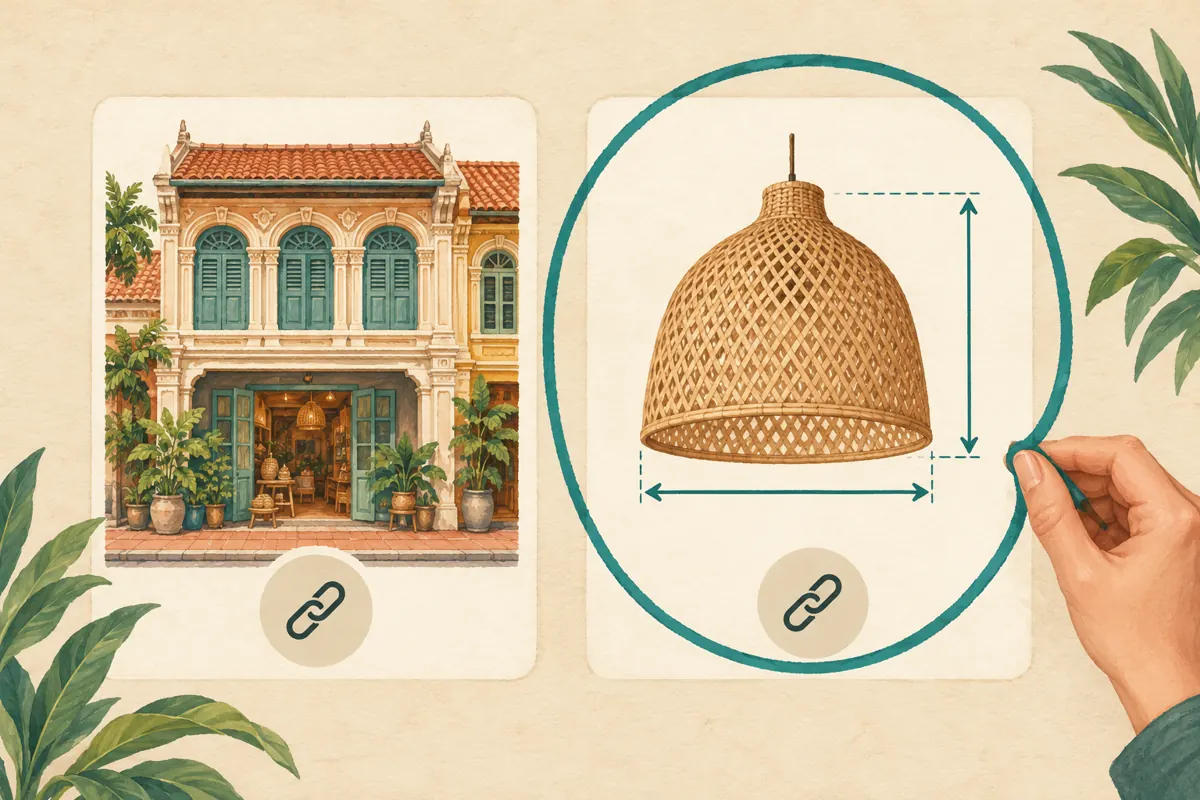
Compare the visible preview with the sentence inviting the reader to open it. If the sentence promises a measurement guide, a relevant product diagram or clearly identifiable lampshade is usually a more coherent choice than a storefront photograph. This is an editorial judgment about meaning, not a promise that one image will produce more clicks. Ask whether a first-time visitor could reasonably predict the destination.
When multiple links remain necessary, inspect which destination the preview represents. A map link might be useful for collection, but it should not visually dominate a post about measuring a shade. Consider moving collection directions into a separate message or placing them after the main explanation. Keep each link’s purpose explicit. In the hypothetical shop, the team retains the guide link and removes the homepage link because it adds another route without helping the immediate task.
5. Use placement and size to preserve important context
Treat the preview layout as a reading-order decision. If customers need to understand that the guide covers replacement shades only, put that condition prominently in the message. Try the available layouts and check whether the essential sentence remains easy to notice. A large photograph may help people recognize the product, but it can also take attention away from the information they need before opening the guide.
A useful internal comparison keeps the words and destination unchanged while reviewing different arrangements. Ask a colleague what the post is offering and what they would do next. If they describe buying a complete lamp when the shop sells only the shade shown, revise the wording or image context. Do not assume a smaller preview is always clearer, or that an image above the message is always better. Select the arrangement that makes this particular offer understandable.
6. Write a message that still works without the card
The message should carry the essential explanation independently of its preview. Include the product category, the reason to open the guide and the next step after reading. A hypothetical English draft might say: “Choosing a replacement woven shade? Open our measuring guide, then send the shade dimensions and a clear photograph of the fitting. We will check which options we can discuss with you.” Adapt the customer-facing wording into natural Khmer when appropriate.
Avoid saying that sending measurements confirms compatibility or reserves stock. Those are separate decisions for the shop to verify. Likewise, a beautiful assembled lamp photograph should not imply that the stand, cable or bulb is included. If any exclusion matters to the offer, state it plainly. Ask a colleague to read the message without looking at the picture; they should still understand what the business supplies and what information it requests.
7. Test the journey on another phone
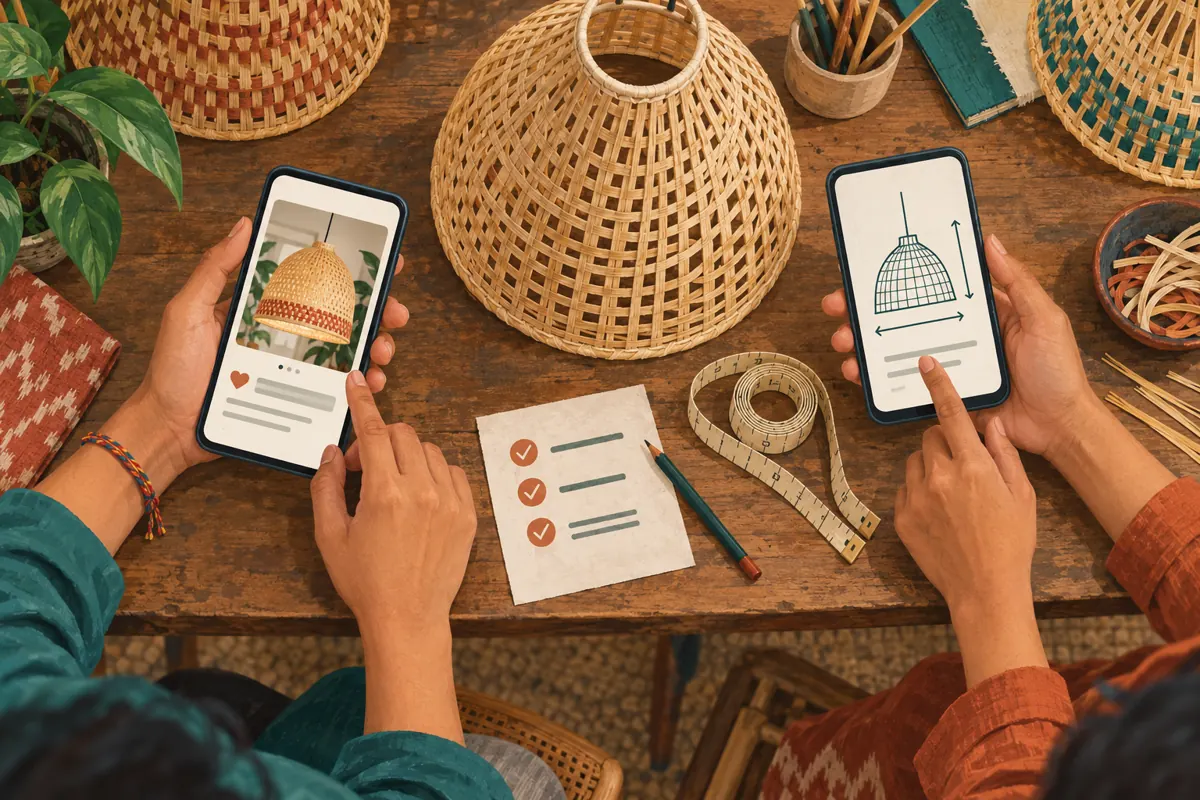
Send the draft to a colleague in a test conversation and ask them to open it from their own device. Have them check the preview and the written link separately. Both should lead where the message says they will. Then ask the colleague to locate the measurement instructions without coaching. This tests the customer’s task rather than merely confirming that a page loads on the author’s phone.
Record concrete problems: the guide requires an unexpected login, the diagram is hard to read, the wrong language opens, or the contact route is missing. For a customer arranging delivery outside Phnom Penh, also check that the next step does not assume an immediate shop visit. Request only the information needed for the initial enquiry. Keep personal customer photographs out of the test draft unless their use has been appropriately authorized.

8. Resolve misleading previews before wider promotion
If the preview shows an obsolete product or unrelated title, do not compensate with stronger promotional wording. First verify the destination itself. If your team controls the website, ask its editor to review the page information and sharing image, then retest the actual Telegram draft. Do not promise colleagues that a website edit will immediately change every existing preview; the result needs to be checked.
When the preview remains unsuitable, use another accurate destination or a plain, clearly described link if your message controls permit that presentation. If the guide itself is wrong, pause the promotion until it is corrected. Keep a brief record of the issue and the final approved destination. That record helps another staff member understand why a visually attractive card was rejected and prevents the same mismatch from returning in the next campaign.
9. Keep SMM service evaluation separate from preview quality
The supplied SMMVR catalogue includes “Telegram Members ~ Max 20k ~ 10k/Days ~ Instant ~ 𝗥𝗘𝗙𝗜𝗟𝗟 45D”. Its title identifies a members offer, but the brief supplies no explanatory description. Treat the speed, quantity and refill wording as catalogue labels requiring clarification, not independently verified promises. The listing does not establish a service for editing link previews, distributing a sizing guide or finding Cambodian lampshade buyers.
Before considering any service, review its current written scope and applicable platform rules. Do not infer that membership delivery will make the guide useful or bring qualified enquiries. Purchased engagement is not evidence of genuine interest, sales, advertising delivery or Cambodian users. If the business needs help improving the guide, that is a content task. If it needs to understand demand, it needs evidence from real enquiries. Neither question is answered by an order-completion status.
10. Review enquiry quality and avoid false conclusions
After sharing the approved message, examine whether genuine enquiries contain the information the guide requested. Useful observations include buyers distinguishing shade width from lamp height, supplying a fitting photograph, or asking a more specific follow-up question. Record the recurring misunderstanding in plain language. If people still measure the wrong part, improve the guide illustration or opening explanation before changing the preview layout again.
Keep content observations, panel records and sales records distinct. A hypothetical enquiry log might note “customer supplied width but omitted fitting photo”; an order record might note a service’s reported status. Neither should be rewritten as proof that the preview produced a sale. Avoid changing the wording, image, destination and promotion approach simultaneously if you want to learn what helped. A modest review can identify confusion, but a handful of conversations cannot establish a reliable conversion effect.
Frequently asked questions
Should the sizing guide always replace the shop homepage link?
Use the guide when the post asks people to prepare measurements. A homepage can be appropriate for a general introduction if it clearly helps visitors choose their next step. The decision depends on the message’s purpose. Do not force readers through a general page when a relevant, accessible guide already exists.
What if the preview looks right but customers still misunderstand the offer?
Read the post and destination together. The image may show a complete lamp while the wording discusses a replacement shade. Ask someone unfamiliar with the draft to explain what is included. Correct the specific ambiguity, and put essential conditions in the message rather than relying on a photograph to communicate them.
Do we need a website to apply this workflow?
The broader workflow applies whenever a post sends readers to another resource: define the task, inspect access and test the destination. Without a website, prepare an accessible guide in a format your customers can use. Check its actual presentation in Telegram rather than assuming it will generate the same preview as a web page.
Can a Telegram members service prove the preview is effective?
No. Membership delivery does not demonstrate that anyone understood the guide, supplied measurements or intended to buy. Evaluate the preview through usability checks and genuine customer feedback. Where you have reliable enquiry records, use them cautiously and acknowledge other changes that might have influenced the conversations.
What should we retain after the review?
Keep the approved message text, destination URL, review date and a short note about what was tested. Record unresolved limitations, such as a guide awaiting translation. Store any service reference separately. This gives the next staff member enough context to reuse the workflow without assuming that an old preview or offer remains current.
Explore the current service catalogue, create an account, or ask a specific question through support tickets.
Prepared with AI assistance. Illustrations explain the workflow and do not represent customer results.