
22/10/2026 03:41
Left or Right Hinge? Adding Khmer Captions to YouTube Demos for Cambodian Hardware Shops
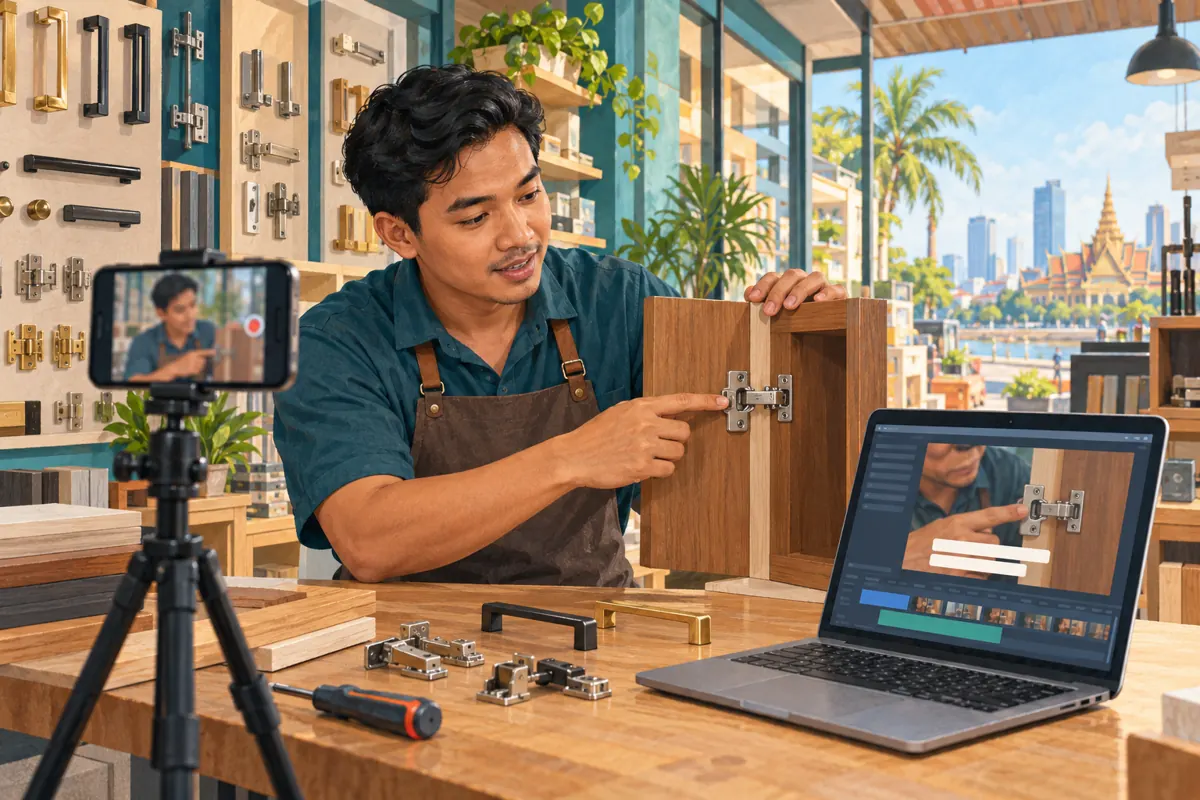
A cabinet-hinge demonstration can look clear to the person filming it and remain confusing to a customer. The presenter says “this side,” turns the door around, and points at a mounting plate just as the camera changes angle. Someone watching without sound may miss the distinction completely. For a Cambodian hardware shop, useful Khmer captions can help customers understand what the demonstration actually shows before they ask about a replacement part. This workflow explains how to prepare, add and review those captions on YouTube, then decide whether the video is ready for promotion. The goal is a clearer enquiry, with enough context to discuss compatibility, rather than a larger counter beside an unclear video.
1. Define the question the captioned demonstration should answer
Start with one customer decision. A useful question might be: “Which photographs should I send so the shop can identify my cabinet hinge?” That is more manageable than trying to explain every hinge style, adjustment and installation method in one clip. Write the intended takeaway before filming: the viewer should recognize the overall door arrangement and know which close-up the shop needs.
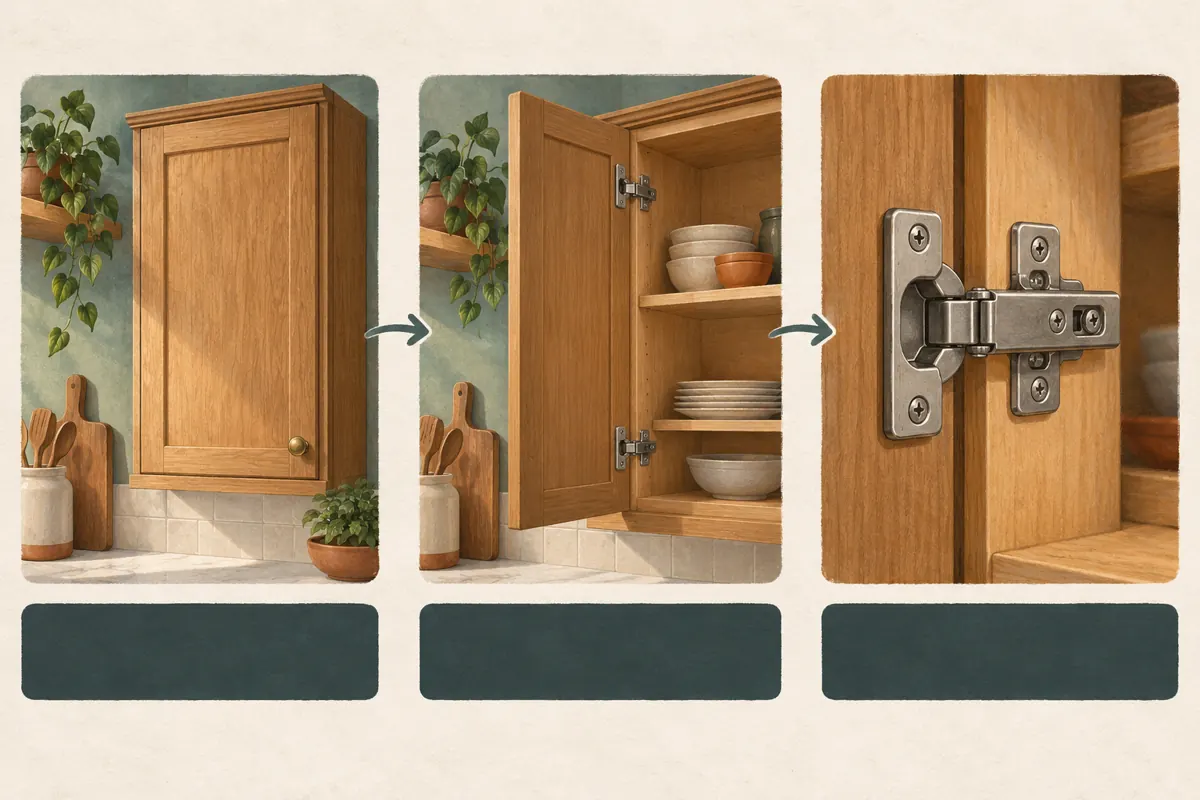
In a hypothetical Phnom Penh hardware shop, customers send close photographs of loose hinges without showing the cabinet. Staff repeatedly ask for another picture. The shop creates a short Khmer demonstration showing the closed cabinet, the open door and the attached hinge. Its captions explain each view. This example describes a proposed workflow, not a customer testimonial or a measured business result.
2. Resolve left and right before writing captions
Directional language needs a fixed viewpoint. “Left” could mean the viewer’s left, the presenter’s left or the side seen from inside the cabinet. Establish the viewpoint in the spoken script and show it clearly. For example, explain that the demonstration starts with someone standing in front of the closed cabinet. Have a knowledgeable staff member check any product terminology before recording.
Avoid treating a visible hinge position as sufficient proof of compatibility. Keep the enquiry focused on the actual item, its markings and the photographs needed for assessment. If a camera cut reverses the apparent orientation, add a wider establishing shot or reshoot the transition. Captions should faithfully describe a coherent demonstration; they cannot reliably rescue footage that shows contradictory viewpoints.
3. Check the original language and available caption track
YouTube’s video-language setting identifies the original language. In YouTube Studio, open Content, select the video, expand Show more and review Language and captions certification. Choose the language that matches the recording and save. An English product code spoken within Khmer narration is not a reason to label the whole recording English. YouTube documents this setting in its video-language help page.
YouTube currently lists Central Khmer among the languages supported for automatic captions on uploaded videos and Shorts. However, support does not guarantee that a particular upload will receive an accurate track immediately. Its automatic-caption guidance identifies processing delays, poor audio and overlapping speech among possible problems. Inspect what is actually available for the selected video before deciding how much caption work remains.
4. Build a small vocabulary sheet from the actual products
Prepare a short reference sheet containing the terms spoken in the demonstration, the shop’s preferred Khmer wording and any genuine model codes visible on the sample. Include easily confused distinctions such as the door, cabinet body, hinge and mounting plate. Ask a fluent Khmer reader who understands the products to review the wording. Someone who only recognizes the spelling may miss a technically misleading expression.
Record the narration in a quiet part of the shop and avoid talking over another person. Speak complete thoughts instead of relying on repeated gestures and “this one.” Keep model codes separate from measurements in the script. If the presenter mentions a dimension, specify what is being measured and the unit. Do not introduce measurements merely to make the demonstration sound more authoritative.
5. Choose between correcting a track and adding your own
Use the available automatic track as a starting point only when it reasonably follows the speech. If it repeatedly substitutes product names or loses entire sentences, preparing a checked transcript may be easier than repairing every fragment. Decide based on the work required to obtain an accurate result, not on the assumption that automatic output must be faster.
YouTube’s caption instructions direct creators to Studio’s Subtitles area, where they select the video, add the required language and add subtitles. A prepared caption file can be uploaded using the appropriate timing option; manual entry is another documented route. For a timed file, use the final video edit as the reference. Keep the approved transcript and timing file together so another employee can understand which version was reviewed.
6. Match each caption to the object on screen
Review the demonstration in small units: the full cabinet, the opened door and the hinge close-up. A sentence naming the mounting plate should appear while the viewer can identify that plate. If the caption continues after the camera moves to another component, the viewer may attach the words to the wrong object. Adjust the timing or hold the shot longer when preparing the video.
In a hypothetical edit, the presenter says “photograph this part” while pointing, but the close-up appears only after the sentence finishes. The editor changes the sequence so the object is visible during the instruction. The caption reviewer then checks that the words and image remain aligned. This is a practical correction to meaning, not a promise that a particular editing style improves reach.
7. Review meaning in Khmer, then test the phone experience
Ask the language reviewer to compare captions with the audio, rather than proofreading the text alone. Pay particular attention to negatives, directions, product codes and whether the speaker requests one photograph or several. A missing negative can reverse an instruction even when the sentence reads smoothly. If a meaningful click or other sound is necessary to understand the demonstration, consider a concise sound description.
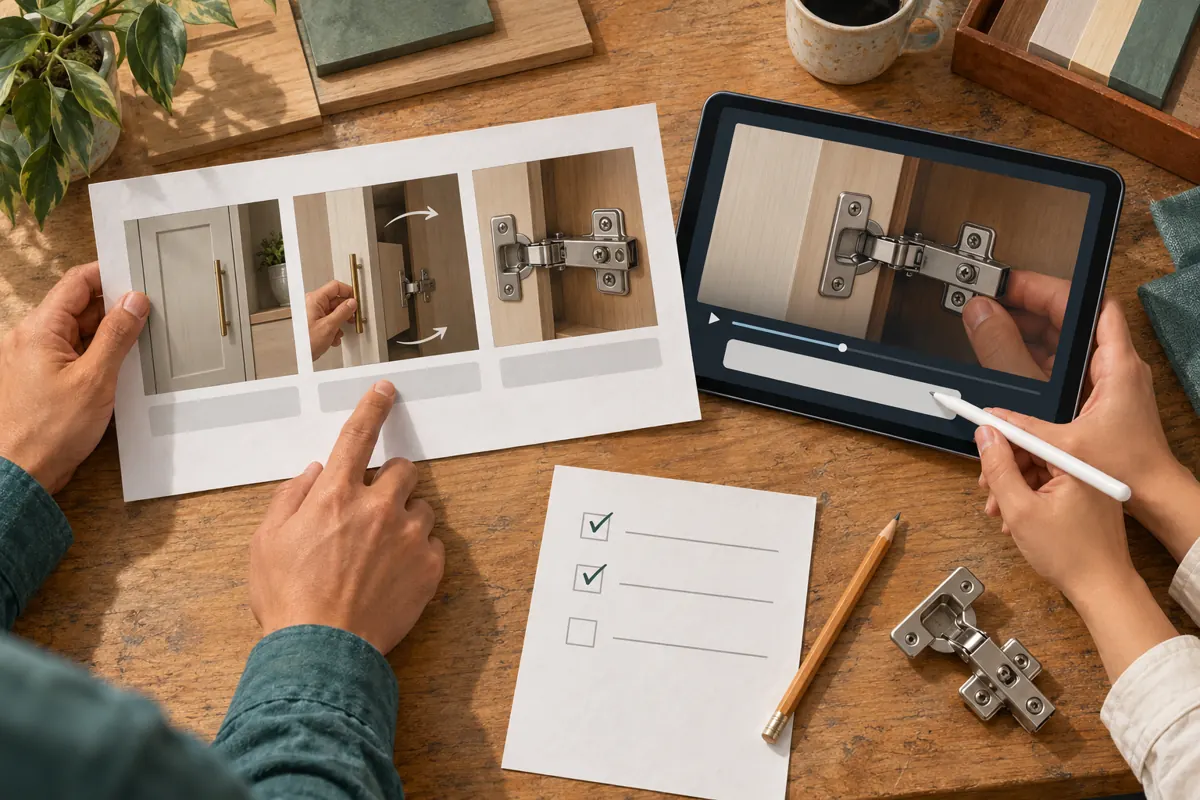
Next, watch on a phone at normal playback speed with sound muted and captions selected. Have a colleague unfamiliar with the script explain what the shop wants the customer to send. Check whether the text competes with the hinge close-up or changes too quickly to follow. Where the footage itself is too rushed, improve the edit instead of squeezing more words into the same moment.
8. Confirm the published track before sharing the link
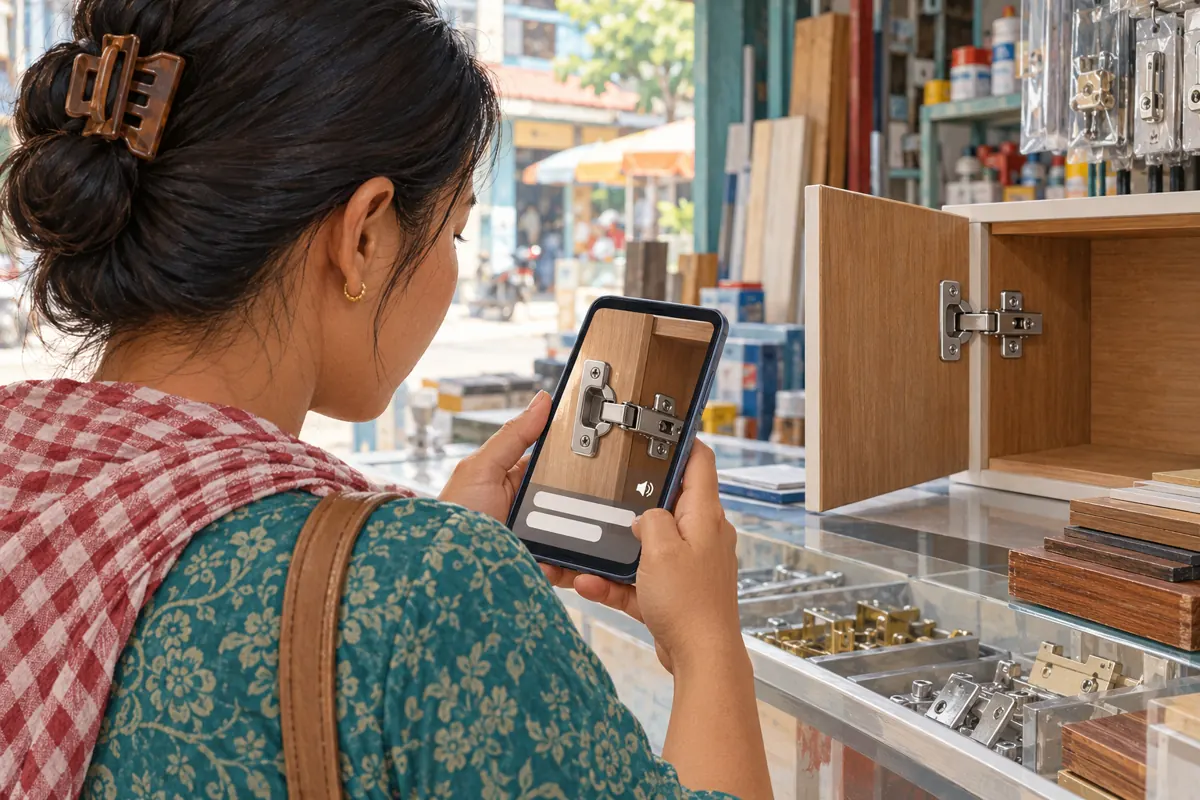
A completed review document is not the same as a usable caption track on the video. After saving or publishing the captions, open the viewer-facing video and check the intended language from beginning to end. Include the opening, the key close-up and the final enquiry instruction. Ask a second person to repeat the check on their usual viewing device.
Give the closing instruction a clear purpose: request the specific photographs needed for an initial discussion and identify the shop’s genuine contact route. Explain that the shop still needs to assess the item before confirming a match. Do not imply that sending a picture reserves stock, confirms a price or guarantees compatibility. Those commitments belong in the subsequent conversation with staff.
9. Evaluate SMM services against the actual problem
The supplied SMMVR catalogue includes the exact public title “YouTube Like ~ Max 100k ~ 50k/days ~ Instant ~ 𝐍𝐎 𝗥𝗘𝗙𝗜𝗟𝗟”. Its title identifies a likes offer, while the supplied description is empty. That provides no basis for claiming it includes Khmer captioning, translation or local customer research. The quantities, speed and other wording within the title are catalogue claims, not independently verified performance.
YouTube prohibits artificial increases to engagement metrics and warns that a hired promoter’s actions can affect the channel. Do not use artificial engagement to promote this demonstration. Purchased engagement is not evidence of genuine interest, sales, ad delivery or Cambodian users. If the obstacle is unclear language or timing, assign that work directly to a suitable editor or reviewer; the brief does not establish that such a service is available through the panel.
10. Review enquiries and maintain the demonstration
After sharing the finished video through appropriate business channels, record the questions customers actually ask. A useful note might say that a viewer understood which close-up to send but still needed clarification about photographing the whole cabinet. Keep identifying customer details out of the editorial log. Use recurring questions to decide whether the next improvement belongs in the captions, the footage or the closing instruction.
Do not label a rise in enquiries as a caption effect without supporting evidence. Stock changes, other posts and ordinary variation may also contribute. A small shop can still learn from specific misunderstandings without claiming a controlled experiment. When the sample product or enquiry process changes, review the relevant video passage and captions together. Assign a staff member to own that review so an old instruction does not remain in circulation unnoticed.
Frequently asked questions
Should a Cambodian shop wait for automatic Khmer captions?
Check whether a track is available, but do not make an urgent customer explanation depend on an uncertain processing time. Central Khmer is currently listed as supported, although an individual recording can still present problems. If the track is missing or unreliable, arrange a checked transcript and caption workflow. Set a realistic release time that includes human review.
Can we write English captions first and translate them into Khmer?
You can use an English draft as an internal aid, but the Khmer reviewer should work from the actual narration and product demonstration. Translating a polished English summary may omit conditions that were spoken or introduce terminology customers do not use. Approve the Khmer meaning against the video before timing and publishing the track.
What if the presenter says the wrong direction?
Correct the recording or edit the affected passage so the audio, image and captions agree. Silently changing only the caption leaves different viewers with different instructions. If the error concerns product compatibility, ask someone qualified within the business to verify the corrected explanation before sharing it again.
Are words permanently placed inside the video enough?
Permanent labels can help identify components, but they serve a different purpose from a complete caption track. A label naming a hinge does not communicate the full spoken instruction. Avoid covering the working detail with several layers of text, and test the combined result on a phone. Use labels sparingly where they clarify the object.
How can we judge whether the captions are useful without buying engagement?
Start with a direct comprehension check: ask a colleague to watch silently and describe the requested photographs. After sharing, examine genuine enquiries for recurring misunderstandings. These observations can guide revisions, but they do not establish a guaranteed commercial benefit. Likes, including purchased likes, cannot demonstrate that someone understood the instructions or needs the product.
Explore the current service catalogue, create an account, or ask a specific question through support tickets.
- YouTube Help: Change the language of your uploaded video
- YouTube Help: Use automatic captioning
- YouTube Help: Add subtitles & captions
- YouTube Help: Fake engagement policy
Prepared with AI assistance. Illustrations explain the workflow and do not represent customer results.