
21/10/2026 13:07
Recorded Demo or Live Workshop? YouTube Premieres for Cambodian Weaving Shops
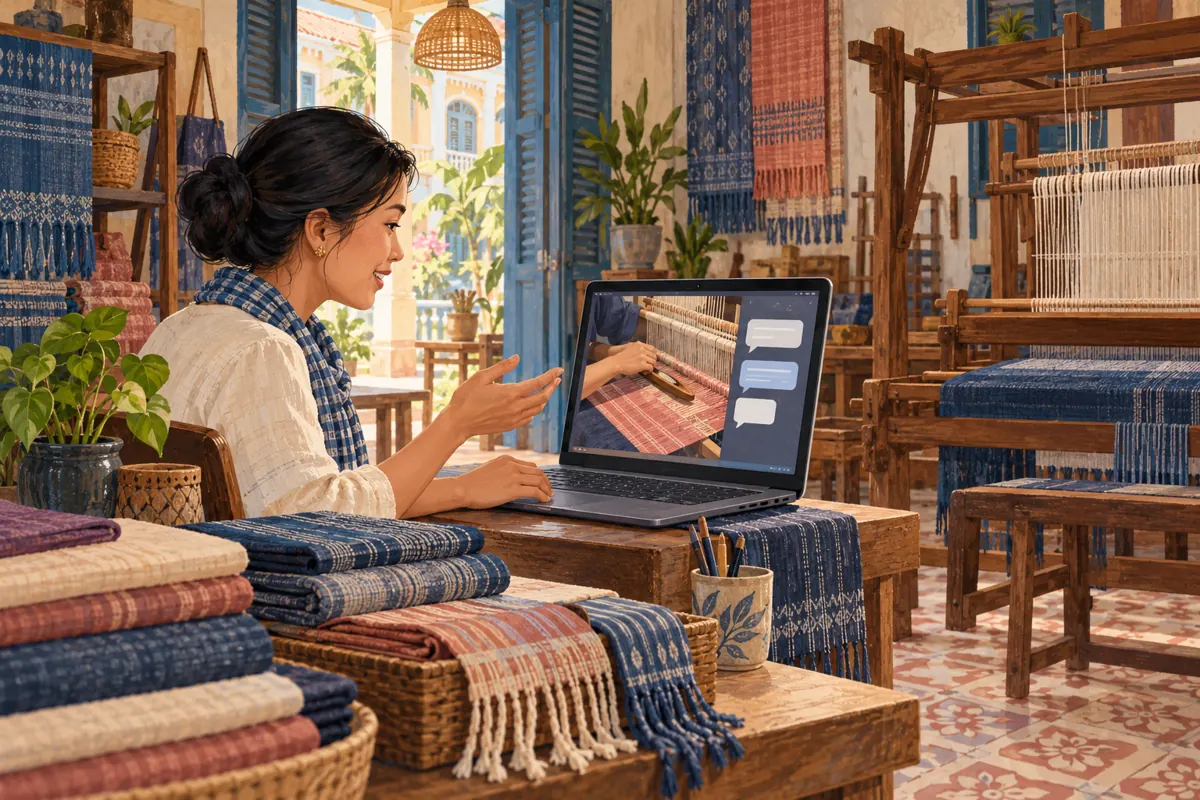
A weaving demonstration can be carefully recorded yet still give customers a reason to gather and ask questions. For a Cambodian shop promoting beginner workshops, that combination can be useful: the artisan can film the difficult hand movements clearly, while a host answers questions during a shared viewing. A YouTube Premiere supports this format, but the invitation must explain what is recorded and what interaction happens in real time. This guide uses a hypothetical weaving shop to show how to choose the format, prepare the session and judge promotional services without confusing visible engagement with workshop bookings.
1. Choose the format around the customer's question
Start with the problem customers need help solving. Someone asking whether beginners can handle a loom needs a clear demonstration of the first task, the equipment and the assistance available. They may appreciate asking a follow-up question while watching. Someone requesting a different camera angle immediately needs an actual live demonstration or a later personalised response.
Choose an ordinary upload when the explanation should be available whenever people need it. Choose a Premiere when a finished recording deserves a hosted first viewing. Choose a live stream when changing the demonstration in response to viewers is central to the session. YouTube describes Premieres as shared viewing experiences around a new video; they do not turn recorded footage into live filming.
For the hypothetical shop, the useful promise is modest: watch how a beginner starts weaving, then ask about the workshop. A Premiere makes sense only if someone knowledgeable can attend and answer those questions.
2. Define one decision the demonstration will help
Write the desired customer decision before planning the invitation. For example: can a first-time learner participate in this workshop, and what should they ask before booking? That question keeps the video focused on the experience rather than becoming a general history of weaving or a catalogue of every scarf in the shop.
In this hypothetical scenario, the recording shows the workstation, the first supervised movement, a common beginner difficulty and an example of the practice piece. The host explains which materials are provided and which parts require help. Any sample made by an experienced artisan is identified as such; it should not silently represent what every beginner will produce.
Keep a small evidence sheet beside the filming plan. Record who confirmed the workshop content, which equipment appears and whether the filmed sample is still representative. If the lesson changes before the Premiere, revise the explanation before promoting it.
3. Finish the recording before promising attendance
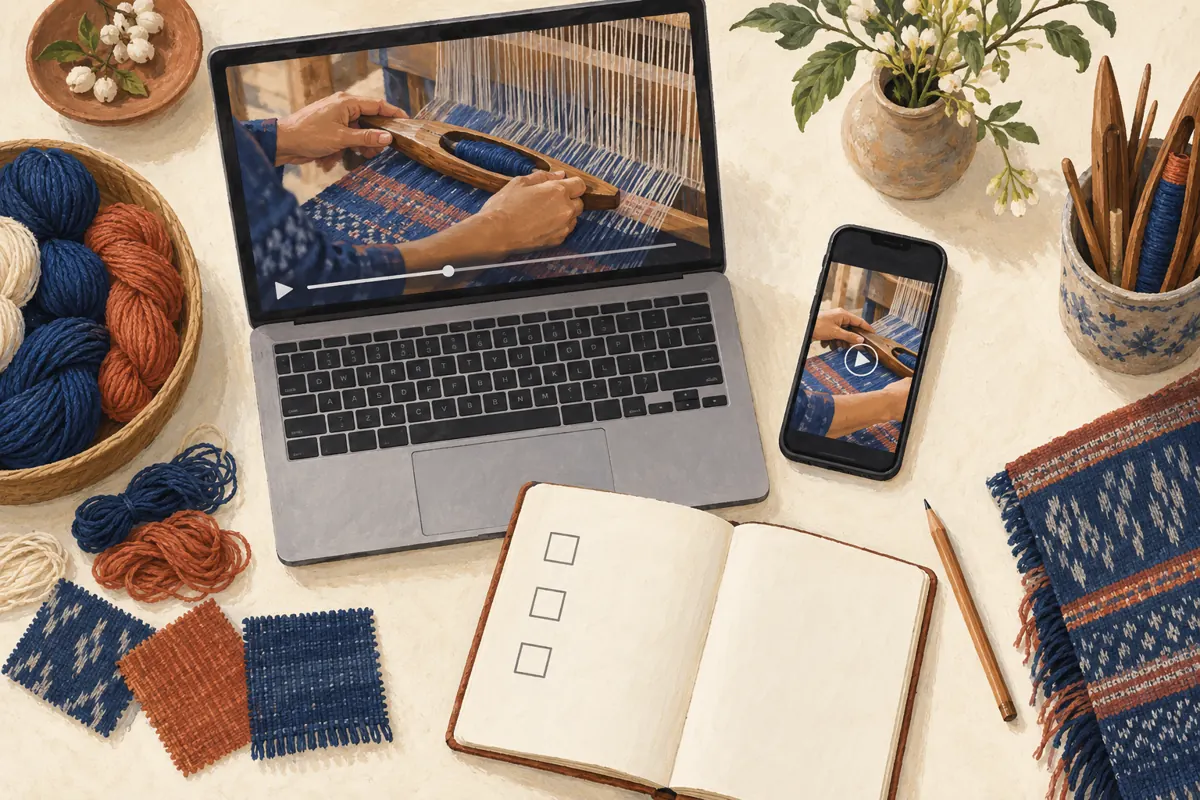
Treat the finished video as the foundation of the event. Check whether the viewer can distinguish the shuttle from the surrounding threads, see where the hands move and hear the explanation over workshop noise. Watch the exported file on a phone as well as the editing screen. A beautiful wide shot may conceal the movement customers actually need to understand.
Use Khmer narration when that serves the intended learners, with a fluent reviewer checking the terms used for tools and actions. If the shop also serves English-speaking visitors, decide how to support them without overcrowding the picture. Explain unfamiliar terms in context rather than assuming viewers recognise every weaving tool.
YouTube's current Premiere instructions exclude Shorts, 360/VR180 videos and output above 1080p. Confirm the file fits those requirements before making invitations. Also remove private order notes from the filming area and obtain permission from anyone whose recognisable image appears.
4. Set up a shared appointment with a clear promise
In YouTube Studio, upload the finished video, complete its details, choose Schedule, enter the date and time, and select Set as Premiere. Review the countdown settings before scheduling. YouTube creates a public watch page that can be shared ahead of the event.
For a hypothetical invitation, the shop might write: join our recorded beginner-weaving demonstration on Saturday at 7 pm Cambodia time; our workshop host will answer questions in chat. Add the actual calendar date before using that wording. State separately whether the event includes booking assistance, because technical discussion and reservation handling require different preparation.
The scheduled time starts the countdown, with the video following it. Reflect that distinction in the staff plan. Confirm who will be present from the advertised opening until the session is finished, and choose another format if staff cannot reliably cover that window. An unattended event should not be promoted as a hosted conversation.
5. Share the watch page with useful context
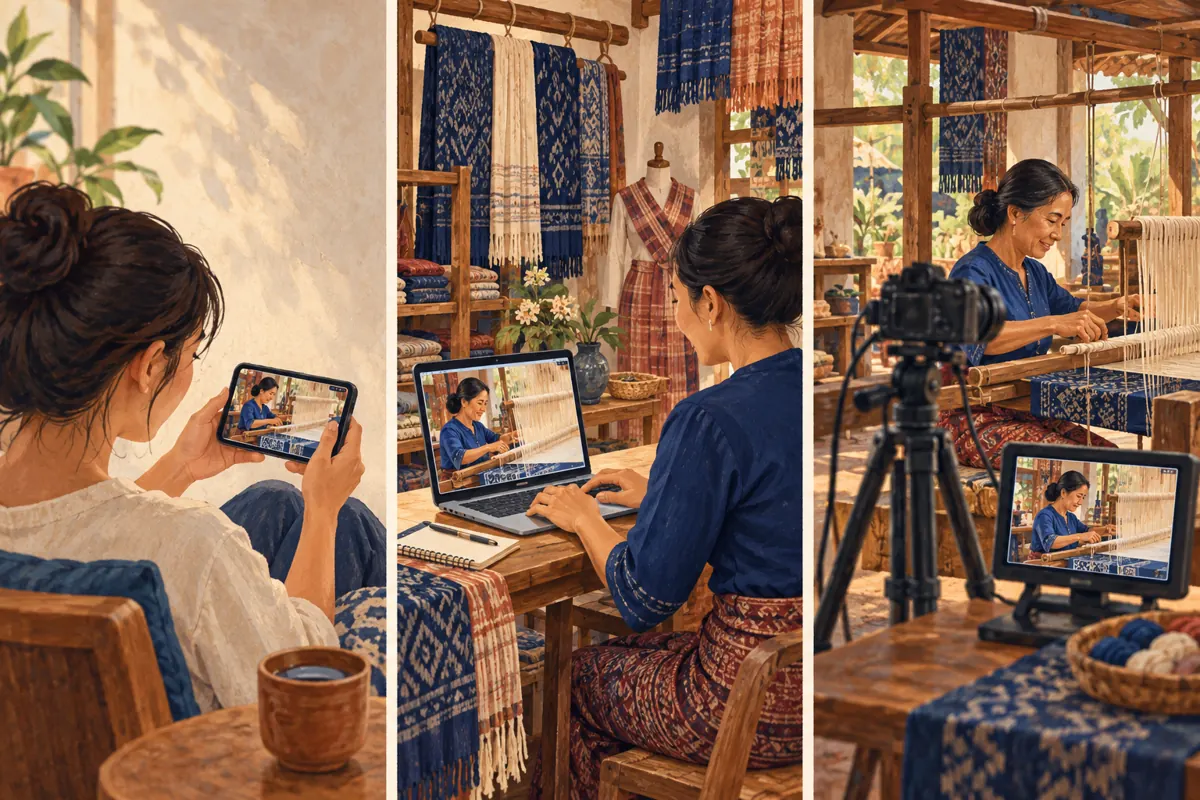
Build the invitation around a specific reason to attend. A close-up of the first weaving movement and a sentence about beginner support give people more information than a dramatic announcement with no lesson details. Tell readers whether they need materials to participate or whether the session is simply a demonstration to watch.
Use the same watch-page address across the shop's relevant social posts. Open it on a phone and check that the title, image and scheduled date match the invitation. Ask a colleague to read the announcement without your explanation: can they tell that the video is recorded, identify the host's role and understand the next step?
Choose distribution based on existing relationships. Share through the shop's own channels and with relevant community organisers who welcome such information. Avoid repeatedly posting into unrelated groups. Keep the accompanying copy accurate when shortening it; removing the word recorded can materially change the promise.
6. Give the host a practical question-handling plan
Prepare a short host sheet organised around likely questions: required experience, materials, accessibility of the workstation, language of instruction and what a learner takes home. Separate confirmed answers from matters that require the artisan's judgement. A host should be comfortable saying that a question needs checking rather than inventing an answer under time pressure.
YouTube supports live chat during Premieres. Its chat tools also allow the channel owner to pin one message at a time. A useful pinned message can identify the footage as recorded and explain where private booking questions belong. Keep it brief enough to read alongside the demonstration.
In a hypothetical exchange, a viewer asks whether a child can join. The host should consult the shop's actual participation rules and supervision arrangements rather than make a blanket promise. If the answer depends on individual circumstances, move the discussion to the shop's established private contact route.
7. Keep public learning separate from private booking
Public chat is useful for questions other viewers may share, such as whether the loom is prepared before the lesson. Booking details usually need a different setting. Do not ask people to post telephone numbers, payment references or personal travel schedules in the viewing conversation.
Prepare a booking response that requests only the information needed for the next decision: preferred session, number of participants and any practical question the shop must resolve. Explain that an enquiry is not a confirmed place. Check capacity and the shop's actual confirmation process before telling someone they are booked.
In the hypothetical shop, one person handles the viewing conversation while another checks workshop availability. If only one staff member is available, explain when private enquiries will receive a reply. This is more useful than trying to answer technique questions and confirm reservations simultaneously while missing important details in both.
8. Evaluate SMM listings without assuming Premiere compatibility
A relevant public catalogue example supplied for smmvr.com is “🎥 YouTube - Live Concurrent Views - Stable Views ~ 30 min ~ INSTANT”. Its title presents it as a live concurrent-view service, but the supplied description is empty. That provides no documented basis for concluding that it supports Premieres, reaches Cambodian learners or uses a platform-compliant delivery method.
The practical decision is to stop before ordering on those assumptions. A shared viewing session and a live stream can both involve people watching together, but that does not make their service targets interchangeable. Words such as stable or instant in a catalogue title are vendor claims, not independent evidence of delivery or suitability.
YouTube prohibits artificial inflation of engagement and warns that a hired promoter's actions can affect the channel. Do not buy artificial attendance to make a workshop appear popular. Purchased engagement does not establish genuine interest, sales, advertising delivery or Cambodian audience origin. Keep any historical service records separate from evidence of actual customer enquiries.
9. Prepare for the recording's life after the event
After a Premiere, YouTube keeps the video as a regular upload without the countdown. Prepare for later viewers before the event begins. The recording should still explain the workshop when the host is no longer present, and its description should provide a usable next step.
Review time-sensitive wording after the session. An invitation to ask the host questions tonight should not remain the main instruction indefinitely. Replace it with a clear explanation of how later viewers can enquire. If the workshop changes, update the surrounding information and assess whether the recording still represents what customers will receive.
Turn unresolved questions into useful follow-up work. If viewers repeatedly ask about hand position, record a closer explanation. If they misunderstand whether materials are included, clarify the offer. These actions address observed problems without assuming every quiet viewer was confused or every question represents an intention to purchase.
10. Review usefulness before repeating the format
Keep separate notes for viewing activity, questions and business outcomes. A question about thread colours is evidence of that question. A request for available workshop dates is an enquiry. A confirmed reservation requires the shop's normal confirmation evidence. Avoid merging these categories into a single claim that the Premiere generated customers.
Ask staff what the shared appointment made possible. Did the host resolve uncertainty that the recording alone could not? Did the event take time away from serving people already in the shop? Would an ordinary upload with a clear enquiry route have achieved the same purpose more comfortably?
Common mistakes include calling prerecorded footage live, advertising a host who cannot attend, promising individual instruction during a group viewing and treating a large counter as a full classroom. Repeat the format when it serves a real customer need. Change the format when the operational effort outweighs the value of gathering at one time.
Frequently asked questions
Can the artisan change the demonstration when viewers ask?
The Premiere plays the recording you prepared. A host can explain a point in chat, but cannot make the recorded artisan perform a new movement. If responding through new camera angles or demonstrations is essential, plan a live stream instead. For occasional requests, collect the question and make a separate follow-up explanation.
Is a Premiere worthwhile for a small Cambodian shop?
It can be worthwhile when customers have a reason to watch together and a knowledgeable host is available. Audience size alone should not decide. Consider whether the conversation helps people understand the workshop and whether the shop can support the appointment. An ordinary upload is a sensible choice when customers mostly want information at their own convenience.
Does the listed concurrent-view service prove support for Premieres?
No. The supplied service title identifies a live concurrent-view offer, while its description contains no supporting details. Neither the wording nor a vendor assurance would establish genuine Cambodian interest or override YouTube's engagement policy. Do not use artificial viewing activity to represent workshop demand or make the event appear more popular.
What should we do if nobody asks questions?
Do not invent audience questions or treat silence as proof that the explanation succeeded. The host can openly introduce questions the team prepared in advance, identifying them as common preparation topics rather than messages received during the event. Afterwards, review the invitation, timing and content, and consider asking willing customers what information they still need.
How can we connect a later booking to the demonstration?
Ask the customer, without pressure, where they first learned about the workshop and whether the demonstration helped. Record their answer separately from the booking record. Someone may have encountered several posts or received a friend's recommendation, so describe the video as a reported influence when appropriate rather than claiming it was the sole cause.
Explore the current service catalogue, create an account, or ask a specific question through support tickets.
- YouTube Help: Premiere a new video
- YouTube Help: YouTube premiere tips
- YouTube Help: Use Live Chat during your live stream or Premiere
- YouTube Help: Fake engagement policy
Prepared with AI assistance. Illustrations explain the workflow and do not represent customer results.