
19/10/2026 10:13
Background Music in Your YouTube Demo? An Audio Review Workflow for Cambodian Pottery Shops
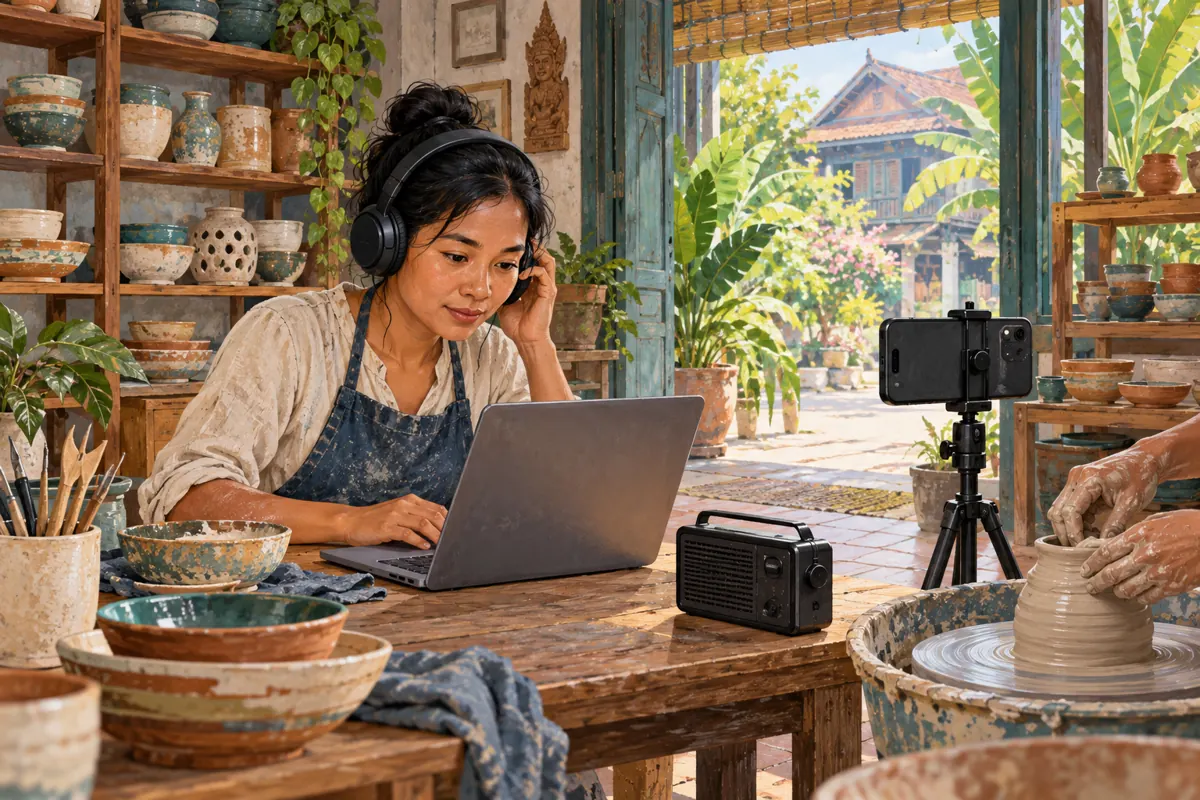
A pottery demonstration can look ready for promotion while its soundtrack still needs attention. A radio behind the counter, music added by an editor or a song captured through an open doorway may be easy to overlook when you are watching the craftsperson’s hands. For Cambodian shops sharing useful demonstrations on YouTube, an audio review belongs before the promotional push. This workflow follows a hypothetical ceramics shop in Siem Reap preparing a bowl-care video. It explains how to identify sound sources, review platform notices, choose a practical repair and assess an SMM offer without confusing engagement counters with permission, customer interest or sales.
1. Define what the viewer needs to hear
Begin with the lesson, because the best audio decision depends on what makes the demonstration useful. In our hypothetical shop, the video explains how to clean a particular glazed bowl using the maker’s approved care instructions. The spoken explanation matters; a decorative music bed does not. Write a one-sentence listening objective: viewers should understand which cloth to use, what action to take and which care limitation applies to this product.
Separate essential speech, useful workshop sounds and optional atmosphere. This gives the editor a concrete priority when something needs removing. If the video demonstrates a sound, such as a lid fitting into place, preserve that sound accurately. Do not replace it with an impressive effect that misrepresents the object. For Khmer-speaking customers, ask a fluent reviewer to check the spoken instructions rather than judging the video only by its visual polish.
2. Make a sound inventory before uploading
Listen to the exported file from beginning to end with headphones. Note where narration starts, where music enters and whether another source becomes audible during pauses. Include the opening and closing frames: editors sometimes add music only to an introduction, while a shop radio may be noticeable only after the presenter stops speaking. A simple record can contain the approximate position, sound source, purpose and proposed action.
Then trace every added audio file to its source. Ask the editor for the track identity and the terms supplied with it, rather than accepting a filename such as free-background-music. Keep those materials with the project. For the next recording, switch off the shop’s radio and record a short listening sample before filming the full demonstration. If neighbouring music remains audible, moving the microphone closer or recording narration separately may produce a clearer result.
3. Treat upload checks as a review point
YouTube’s upload process includes copyright checks, but YouTube explicitly says those results are not final. Later claims or other developments can affect a video. A clean result should therefore be recorded as a check completed at a particular time, not described as permanent clearance. See the official [YouTube upload guidance](https://support.google.com/youtube/answer/57407?bbpage=1).
For this workflow, keep the upload private while the responsible team member reviews the result and listens to the uploaded version. Record the video title, link, review date and any notice that needs attention. This is a recommended internal release step, not a claim that YouTube requires every business to follow this sequence. Give one person responsibility for deciding when the video is ready, so a colleague does not distribute the link while an unresolved audio issue is still being investigated.
4. Read the specific claim before choosing a response
When a notice appears, identify the affected segment and read the stated restriction. YouTube explains that Content ID claims can affect where a video is viewable or whether it can be monetized. Available editing options can include trimming a segment, replacing a song or erasing claimed audio. Review the options shown for that video rather than assuming every tool is available. See [removing copyright-claimed content](https://support.google.com/youtube/answer/2902117?hl=en).
In the hypothetical bowl-care video, the team finds that the radio is audible during a useful spoken instruction. The practical question becomes how to retain that instruction while addressing the music. Assign the editor to preview a repair and the shop owner to review the product explanation. If someone believes the claim is mistaken, gather the relevant records and read the applicable platform process separately. Do not select a response merely because a promotion was supposed to start that afternoon.
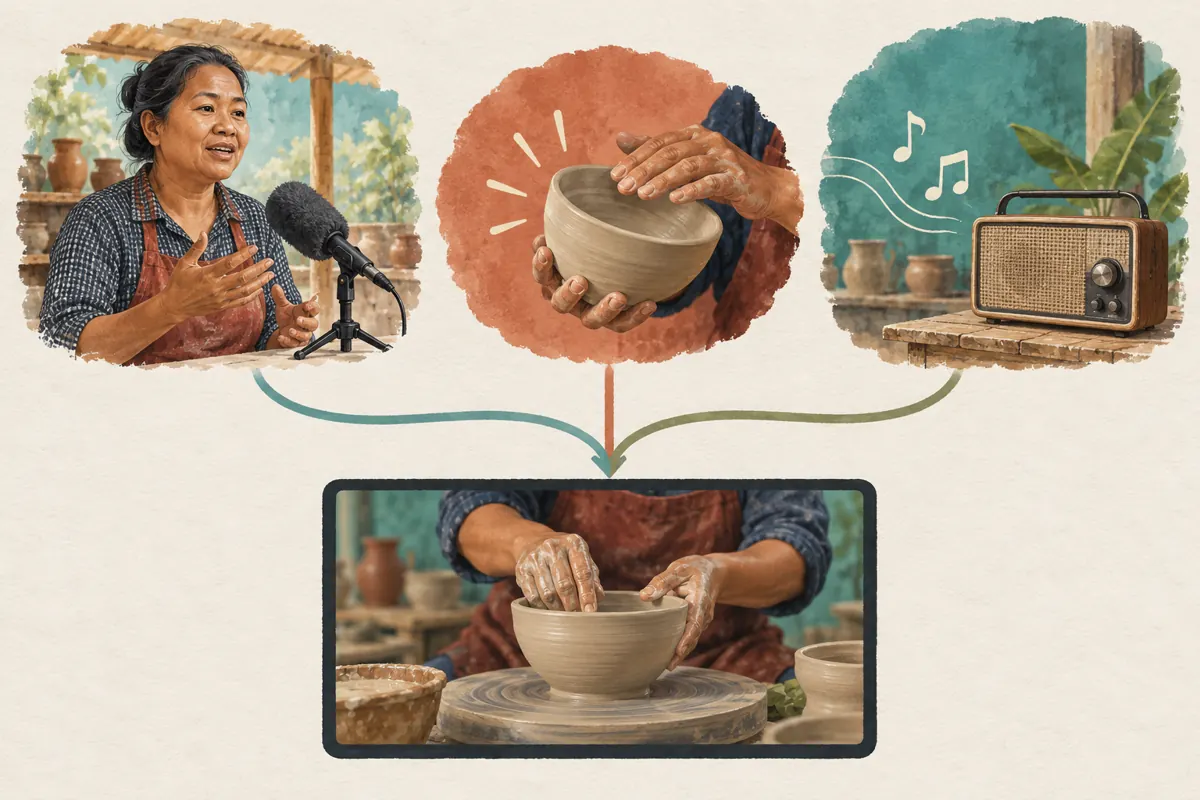
5. Choose a repair that preserves the lesson
Use the least disruptive editorial option that leaves a complete, honest demonstration. An unnecessary opening shot may be removable. Music under a silent product montage may be replaceable. Music mixed into essential speech may justify recording that explanation again in the original editing project. Compare these choices by what the customer will understand afterward, not simply by which action takes the fewest clicks.
YouTube warns that song removal may not work successfully in every case, and muting all sound also removes speech in the affected segment. Saved Studio edits cannot be reverted through the original restoration feature, so retain a backup and preview carefully before saving. These limitations are described in [YouTube’s editing guidance](https://support.google.com/youtube/answer/2902117?hl=en).
If you rebuild the video locally, name the revised export clearly and keep the previous version out of the publishing queue. A newly recorded instruction should match the visible action. Avoid making viewers watch one cleaning step while hearing an explanation of another.
6. Add replacement music only if it helps
A craft video does not need continuous music. Clear narration and natural handling sounds may provide enough atmosphere. First listen to a version without a music bed. If the pauses feel awkward, shorten unnecessary footage before adding another sound source. For a practical care demonstration, intelligibility is a stronger editorial goal than making every second feel busy.
If music serves a purpose, YouTube Studio’s Audio Library provides music and sound effects. Some tracks require attribution; YouTube explains how to copy the supplied credit into the description and how to filter for tracks that do not require attribution. Follow the selected track’s conditions. See [YouTube Audio Library guidance](https://support.google.com/youtube/answer/3376882?hl=en).
Keep the track identity and credit text with the final edit notes. If the team later prepares a version for another platform, review the applicable terms for that use instead of assuming that one platform’s music workflow answers every distribution question.
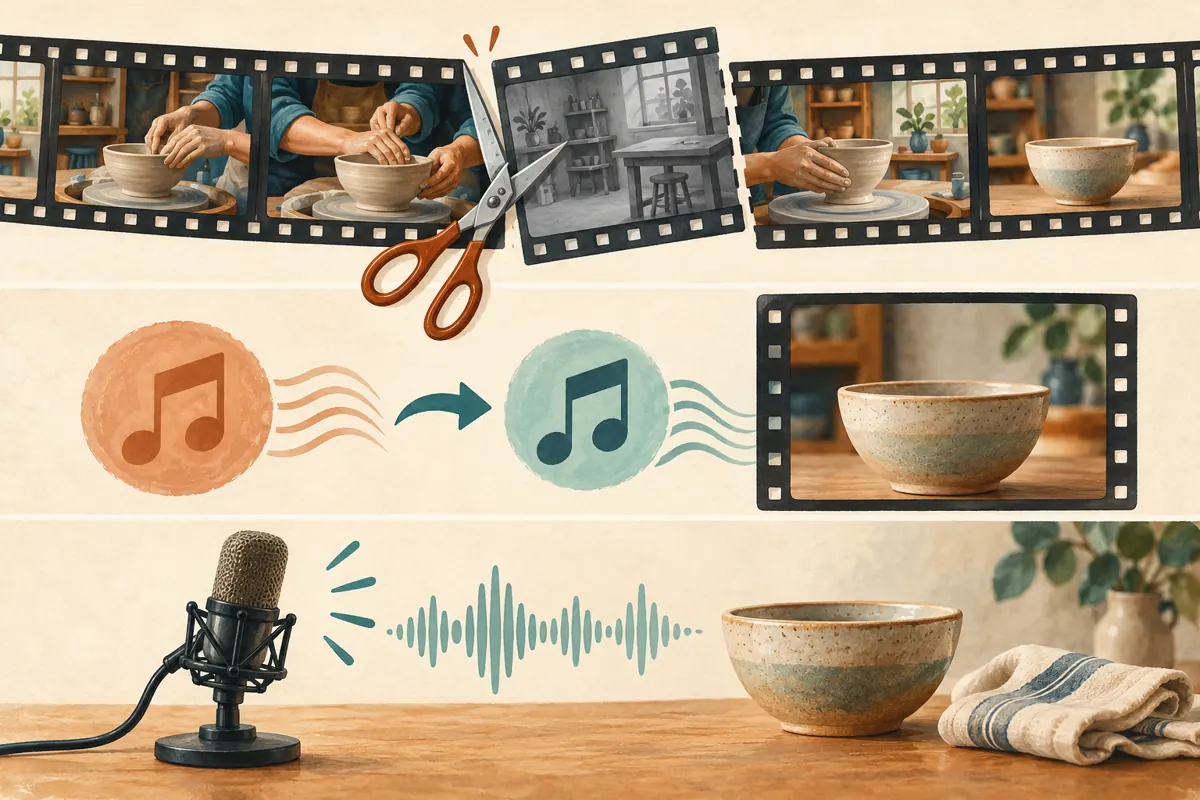
7. Review the finished sound on a customer’s device
After editing, listen on both headphones and an ordinary phone speaker. Headphones help reveal background details; the phone check reveals whether the explanation remains understandable in a more typical viewing situation. Ask a colleague who did not edit the video to describe the care steps after watching. If they miss a limitation or confuse the sequence, identify the unclear moment before release.
Check the joins around every repaired section. Listen for clipped words, abrupt silence, changed voice levels and music that competes with speech. Review subtitles against the revised audio, especially if words were removed or rerecorded. For a bilingual version, confirm that both language tracks or subtitle versions still describe the same product and action.
After a Studio repair finishes processing, reload the page and confirm the result and claim status, as [YouTube recommends](https://support.google.com/youtube/answer/2902117?hl=en). A saved editing action alone is not the final listening review.
8. Evaluate the SMM offer as a separate decision
The supplied SMMVR catalogue includes the exact public name “YouTube Like ~ Max 5k ~ 5k/days ~ Instant ~ 𝐍𝐎 𝗥𝗘𝗙𝗜𝗟𝗟”. Its title identifies a YouTube likes offer, but the brief provides no supporting description. Treat its quantities, timing and conditions as catalogue wording, not independently verified delivery facts. Nothing in that supplied information establishes music permissions, Cambodian audience origin, genuine customer interest or official YouTube affiliation.
YouTube prohibits artificial increases in engagement metrics and warns that a hired promoter’s actions can affect a channel. An offer to inflate likes is therefore not a substitute for an acceptable promotion method. Decline methods that conflict with the platform’s rules. See the official [fake engagement policy](https://support.google.com/youtube/answer/3399767?hl=en-GB).
A completed panel order would not resolve an audio claim, establish ad delivery or prove sales. For this shop, useful alternatives include sharing the approved tutorial with customers who requested care advice and placing it beside relevant product information. Do not assume the panel supplies editing or licensing services.
9. Release one approved version and learn from real questions
Before sharing, make a short release note containing the approved link, export version, audio source record, required credit and reviewer’s name. If a revised upload has a different link, update the places your team controls before distributing it. In the hypothetical shop, the counter assistant and social media editor should both receive the same approved tutorial, so customers are not sent to an earlier version.
After release, look for questions that show whether the lesson worked. A customer asking whether the same method applies to an unglazed item reveals a useful boundary to explain. A like count does not answer that question. Record genuine enquiries without turning them into invented testimonials or claiming they represent all Cambodian shoppers.
If another audio notice appears later, return to the relevant video and its records. Avoid repeatedly uploading unchanged copies or treating a promotional deadline as evidence that the underlying issue has disappeared.
Frequently asked questions
What if the shop radio is barely audible?
Include it in the sound inventory rather than ignoring it because it is quiet. Find the affected passage and decide whether a cleaner recording is practical. Turning down the whole soundtrack may also weaken the presenter’s voice. For future filming, switch off controllable music sources before recording and listen to a sample through headphones.
Should we remove all music from every demonstration?
No. Decide whether music helps this particular lesson and whether its source and conditions are documented. A silent product montage and a detailed spoken care instruction have different needs. Try the edit without music first, then add only what improves the viewing experience without obscuring the explanation.
Can we promote the video while a repair is processing?
For this workflow, wait until the repaired version has been checked. Otherwise, your team may direct customers to material it has not yet approved. Use the waiting period to prepare the caption, review the care instructions and confirm the final destination. This is a practical release decision, not a promise about processing time.
What if an editor says the music is safe but has no records?
Ask for the exact track source and the terms they relied on. If those cannot be established, choose an alternative whose conditions the team can review or produce a version without that music. Keep the replacement decision documented so a future editor does not accidentally restore the uncertain track.
How should we judge whether the tutorial helped the business?
Look for evidence connected to its purpose: whether customers understand the care steps, whether repeated questions become easier to answer and whether enquiries concern the relevant product. Record limitations and uncertainty. Purchased engagement cannot establish comprehension, Cambodian audience membership, purchase intent or revenue, even when a service order is marked complete.
Explore the current service catalogue, create an account, or ask a specific question through support tickets.
- YouTube Help: Upload YouTube videos
- YouTube Help: Remove copyright-claimed content from videos
- YouTube Help: Use music and sound effects from the Audio Library
- YouTube Help: Fake engagement policy
Prepared with AI assistance. Illustrations explain the workflow and do not represent customer results.